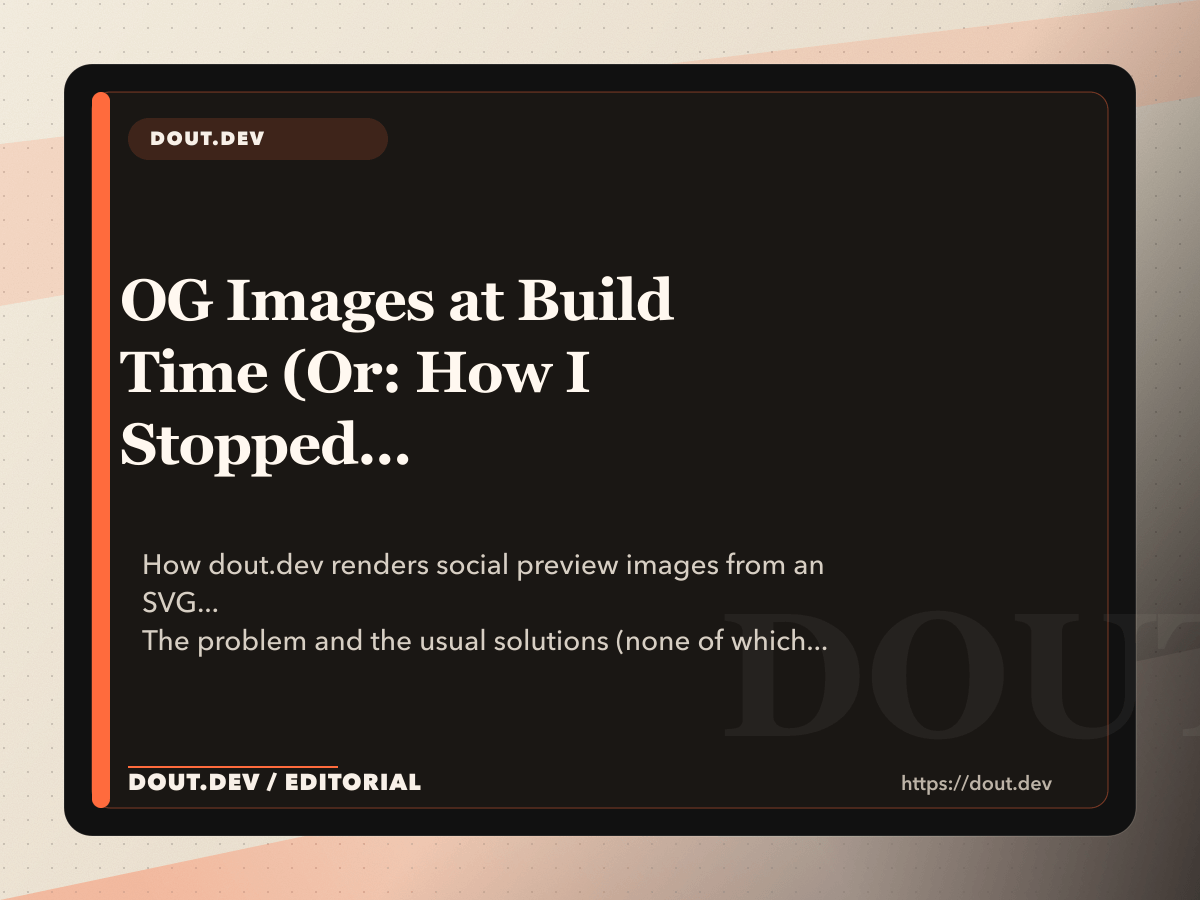
The problem and the usual solutions (none of which I wanted)
Every post needs a social preview image - the card that appears when someone shares the URL on Slack, Twitter, or LinkedIn. The options usually break down like this:
- Hand-design each one. A Figma file, a designer, exported PNGs. Works. Does not scale.
-
Runtime service (Vercel OG, Cloudinary). A URL like
og.dev/render?title=...produces an image on demand. Works. Adds a third-party dependency, latency, and a potential point of failure. - Build-time renderer. Generate the PNG when the site builds, commit it to the static output. Works. Is under your control.
For dout.dev I went build-time, for one reason: I wanted the image to be a byproduct of the build, cacheable as a static file, with zero runtime dependency. The implementation is about 150 lines of Node. That's it.
The SVG template (the trick that makes it work)
The trick is that OG images are rasterized SVGs. SVG is a markup language I can generate with the same template engine as the rest of the site. Sharp then converts the SVG to PNG at 1200×630, which is the OG card spec.
<svg xmlns="http://www.w3.org/2000/svg" width="1200" height="630" viewBox="0 0 1200 630">
  <rect width="1200" height="630" fill="#0b0b0f" />
  <text x="80" y="180" font-family="Inter, sans-serif" font-size="24" fill="#ff6b3d"
        font-weight="600" letter-spacing="0.08em">DOUT.DEV</text>
  <text x="80" y="320" font-family="Inter, sans-serif" font-size="64" fill="#e7e7ef"
        font-weight="700" style="line-height: 1.1">
    <tspan x="80" dy="0">OG Images at Build Time</tspan>
    <tspan x="80" dy="80">SVG + Sharp in 150 Lines</tspan>
  </text>
  <text x="80" y="540" font-family="Inter, sans-serif" font-size="24" fill="#a0a0b4">
    by Some Nerd · Some Date
  </text>
</svg>
That template has variables where the title, date, and author go. The generator produces one per post. Simple. Elegant. No bullshit.
The line-break problem (harder than it looks)
The hardest single problem in OG image generation is fitting a variable-length title inside a fixed-width box without it running off the edge. You'd think this would be solved. You'd be wrong.
The brute-force solution - "measure the text, wrap manually" - requires a font metrics library. The simpler solution - greedy wrapping with a conservative line-length budget - is what I use.
function wrapTitle(title, maxChars = 26) {
  const words = title.split(/\s+/);
  const lines = [];
  let current = '';
  for (const word of words) {
    if ((current + ' ' + word).trim().length > maxChars) {
      lines.push(current);
      current = word;
    } else {
      current = (current + ' ' + word).trim();
    }
  }
  if (current) lines.push(current);
  return lines.slice(0, 3);
}
26 characters is an empirical value for Inter at 64px in a 1040px box with 80px margins. I tuned it once, compared against the longest real titles, and moved on. The generator truncates to three lines because four looks cramped.
The rasterization (Sharp, go brrr)
Sharp handles the SVG-to-PNG conversion. It is a one-liner with reasonable defaults.
import sharp from 'sharp';

async function renderOg(svg, outputPath) {
  await sharp(Buffer.from(svg)).resize(1200, 630).png({ compressionLevel: 9 }).toFile(outputPath);
}
compressionLevel: 9 squeezes the PNG a bit at the cost of build time. On a small blog the
total is under a second per image, so it is worth it.
The full generator, in shape (~150 lines with helpers)
import { readFileSync } from 'node:fs';
import sharp from 'sharp';

const template = readFileSync('src/og-template.svg', 'utf8');

export async function generateOgImage(post, outputPath) {
  const lines = wrapTitle(post.title);
  const titleSvg = lines.map((line, i) =>
    `<tspan x="80" dy="${i === 0 ? 0 : 80}">${escapeXml(line)}</tspan>`
  ).join('');

  const svg = template
    .replace('<title-placeholder>', titleSvg)
    .replace('<date-placeholder>', formatDate(post.date))
    .replace('<author-placeholder>', 'Some Nerd');

  await sharp(Buffer.from(svg)).png({ compressionLevel: 9 }).toFile(outputPath);
}
150 lines with the helpers included. No fonts-as-files wizardry. No headless browser. No Puppeteer. No "let's spin up Chrome just to render an image." That would be insane.
Fonts: the caveat you have to handle (because nothing is free)
SVG font-family="Inter" only works if the system rendering the SVG has Inter installed, which
is not the case on GitHub Actions runners. Because why would it be?
Two paths:
- Embed the font as a base64 data URL inside the SVG. Works. Balloons the file size.
- Preload the font at the Sharp layer. Sharp uses the system fontconfig; you install the font on the runner and reference it by name.
On dout.dev I went with option 2: a GitHub Actions step installs Inter before the build runs. That keeps the SVG clean and the bundles lean.
- name: Install Inter font
  run: |
    wget -q https://fonts.google.com/download?family=Inter -O inter.zip
    unzip -q inter.zip -d /usr/share/fonts/inter
    fc-cache -f
The URL for Google Fonts bulk download is stable enough; if it breaks, I self-host the
.ttf in the repo.
What the generator outputs (the artifacts)
One PNG per post, under src/assets/og/posts/<slug>.png. The CMS also generates month OG
images under src/assets/og/months/ and writes a manifest at
src/assets/og/manifest.json so other build steps can reference them.
The post template references the image in the <head>:
<meta property="og:image" content="https://dout.dev/assets/og/posts/some-post.png" />
<meta property="og:image:width" content="1200" />
<meta property="og:image:height" content="630" />
<meta name="twitter:card" content="summary_large_image" />
og:image:width and og:image:height are not strictly required, but many crawlers
check them and Mastodon's preview service will happily show a tiny image if dimensions are missing. Like a
thumbnail from 2005.
The takeaway
You do NOT need a runtime OG service, a headless browser, or a third-party API. A templated SVG, a
wrapping function, and Sharp cover the whole problem in 150 lines. It runs at build time, commits to
dist/, and costs nothing after the first build.
No server. No API key. No "we're sorry, the OG image service is down." Just files.